
Turn messages into plans, in one tap.
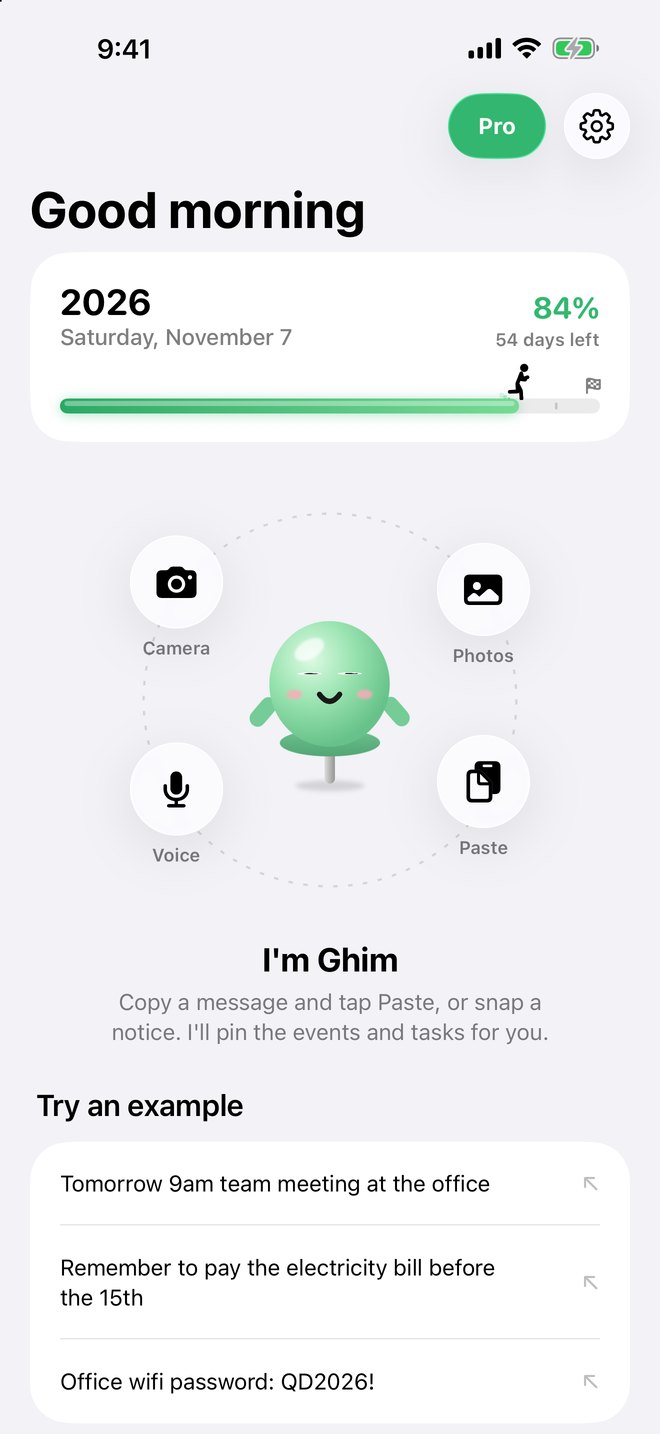
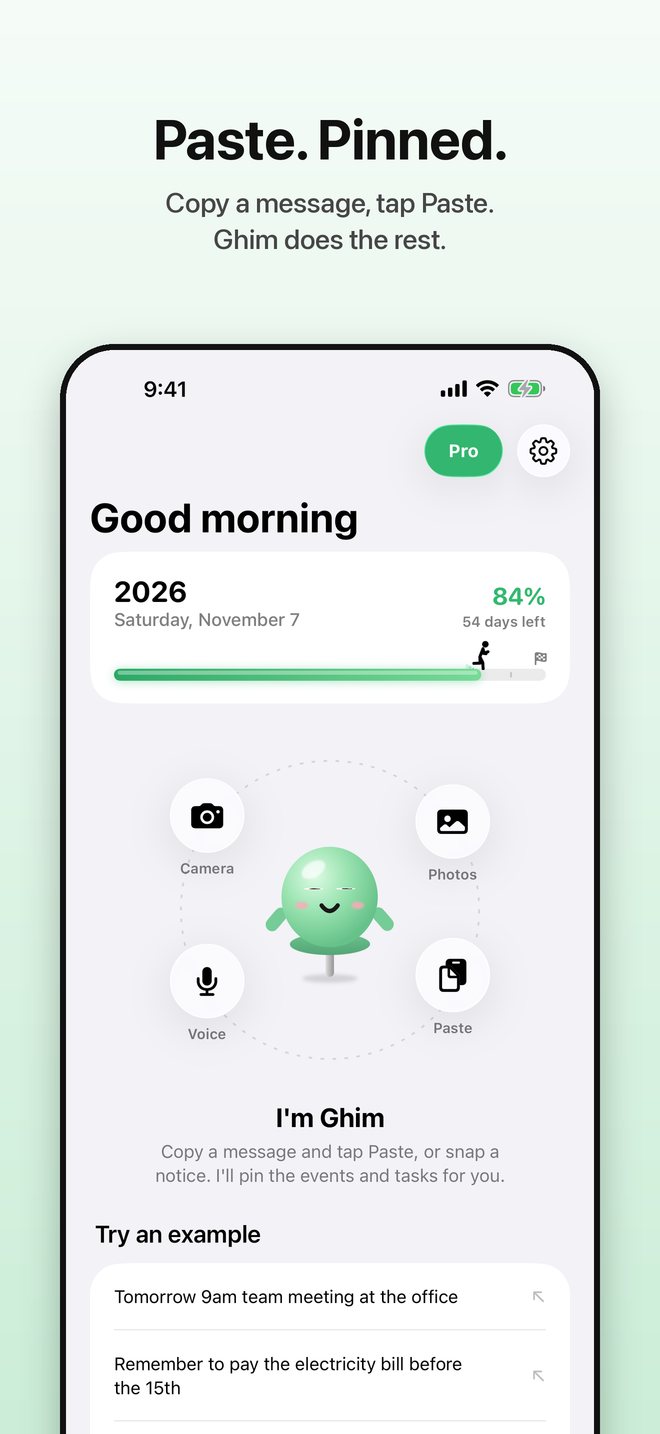
Copy a message and tap Paste, snap a notice or just say it. Ghim finds the appointments, tasks and details, then adds them to Calendar and Reminders for you.
Three steps, a few seconds
Stop retyping things into Calendar and Reminders.
Copy, snap or speak
Copy a chat, email or note and tap Paste. Or take a photo, pick a screenshot, or tap Voice.
Ghim understands
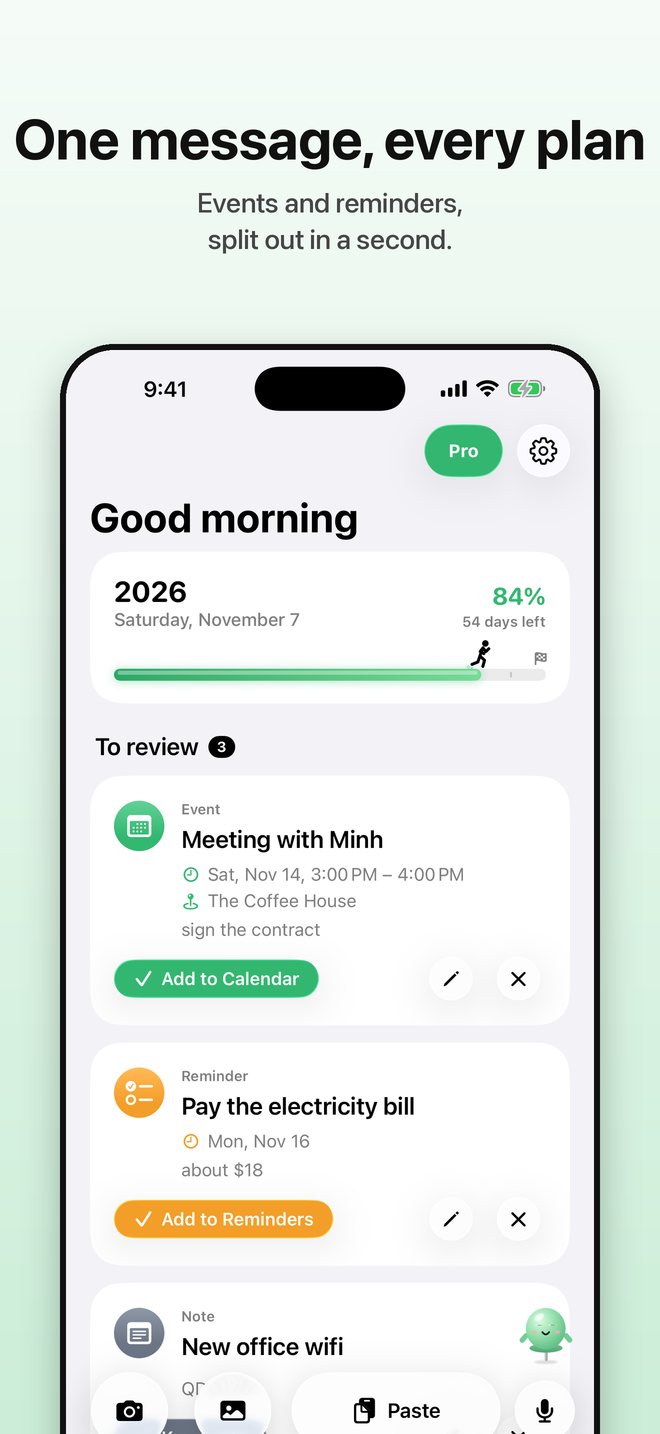
The AI splits every item and spots "next Friday at 3pm", places, amounts and booking codes.
One tap and done
Review, edit if needed, then add to Calendar or Reminders. Important details are kept as notes in Ghim.
Everything you need, nothing you don't
Designed to give you back a few minutes every day.
Repeats & lunar dates
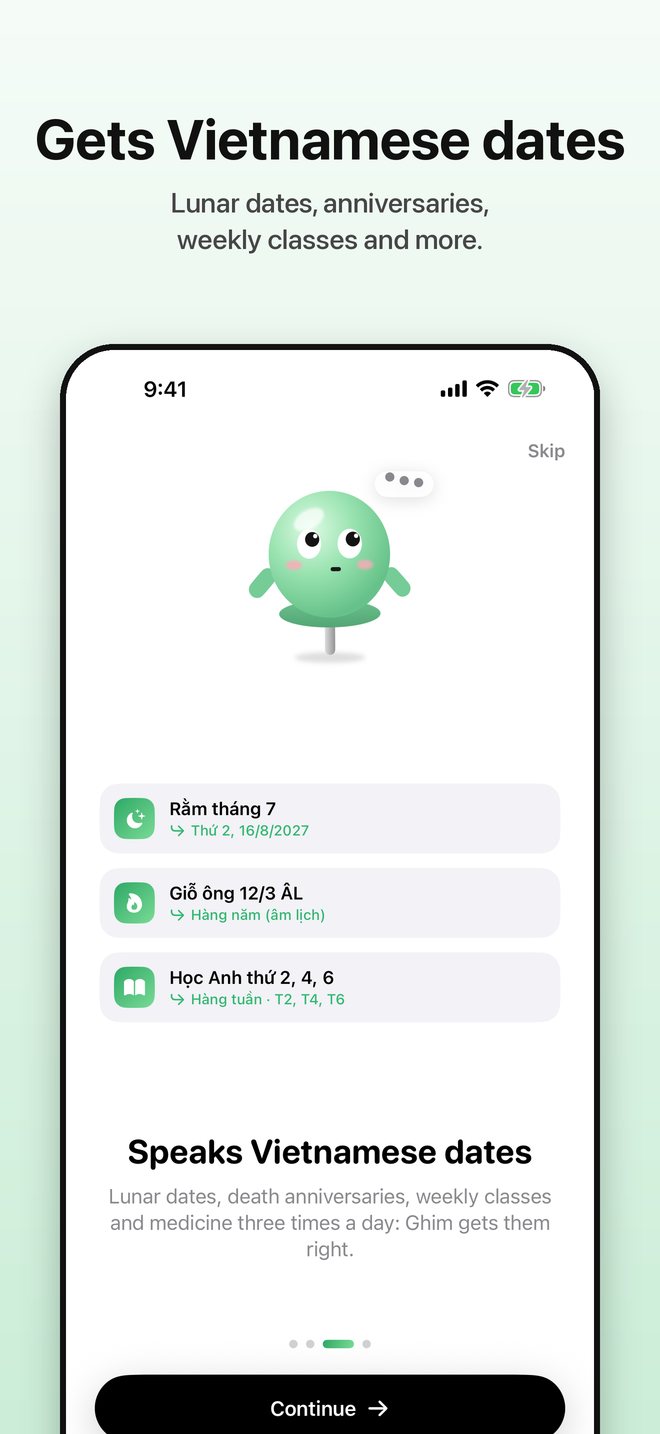
"Mon, Wed, Fri every week", "3 times a day for 7 days", lunar anniversaries. Ghim gets them right.
Snap it, schedule it
Photograph a notice, a poster or a timetable. Ghim reads every cell and creates the whole weekly series.
Share from any app
Tap Share in Messages, Mail or Safari, pick Ghim, done. No need to open the app.
Clash warnings
Know when something overlaps your calendar and move it to a free time in one tap.
Widgets & morning summary
What's next on your Home Screen, plus a year progress bar with a little runner.
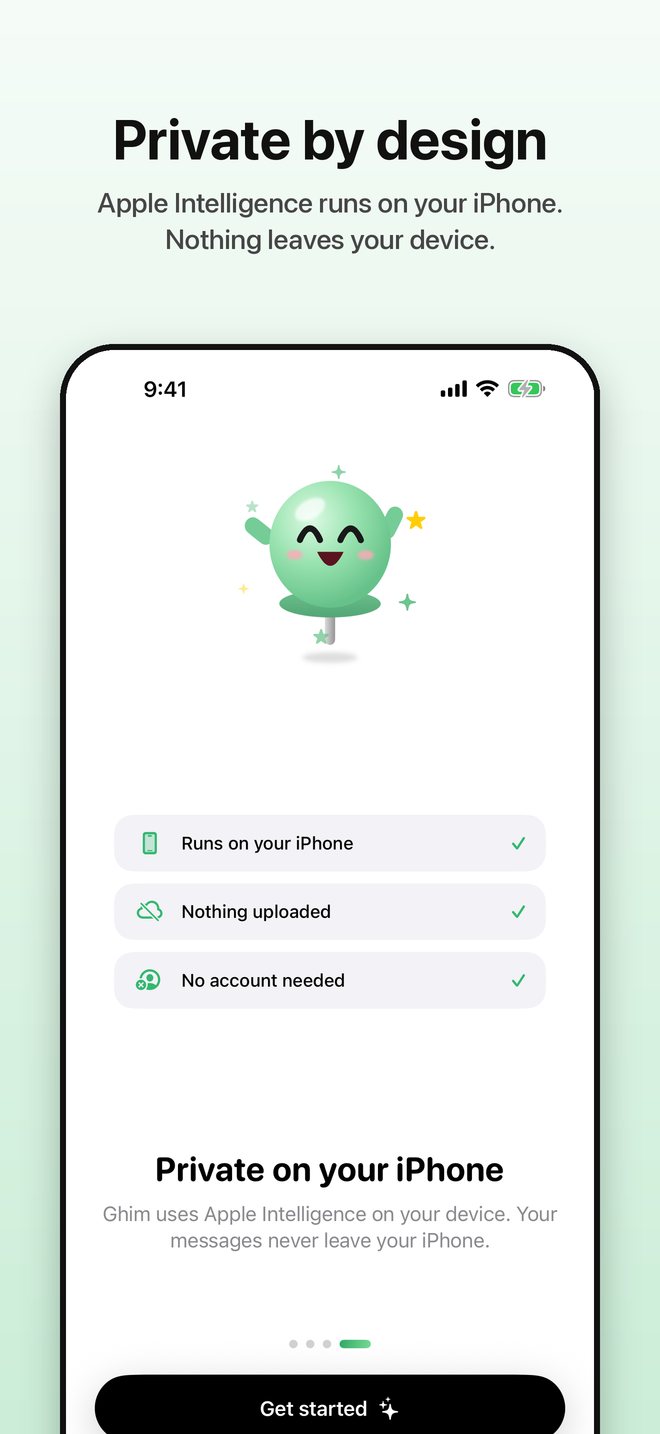
Private on device
The AI runs on your iPhone. No account, no ads, no tracking.
Free to start, upgrade when you need it
No servers to pay for means fair prices.
Free
- 15 analyses every month
- Camera, voice and sharing from other apps
- Repeats & lunar dates
- Year progress widget
Ghim Pro 7-day free trial
- Unlimited analyses
- Timetables and shift rotas from one photo
- Clash warnings & free-time suggestions
- Morning summary & Up next widget
Frequently asked questions
Which iPhones are supported?
Any iPhone running iOS 26 or later. The AI needs a device that supports Apple Intelligence (iPhone 15 Pro or newer) with Apple Intelligence turned on. Other devices use a basic date detection mode.
Are my messages uploaded anywhere?
No. Ghim uses Apple's on-device model on your iPhone. Ghim has no servers and collects no data.
Do I need an account?
No. Open the app and start right away.
How do I cancel Ghim Pro?
Open Settings › Apple Account › Subscriptions on your iPhone, choose Ghim and cancel anytime.